Setting The One Page
Page Setup
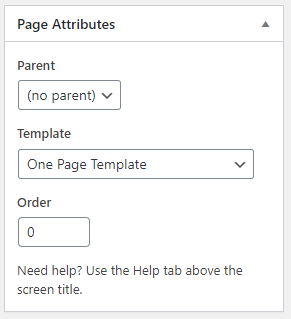
- Create a New Page from the Pages > Add New with any name. We used intro for the page. Select One Page Template form the right side Template Option
- Go to Settings > Reading
- Select that page as A Static Page
Intro Setup
- Choice which type introduction option you want.
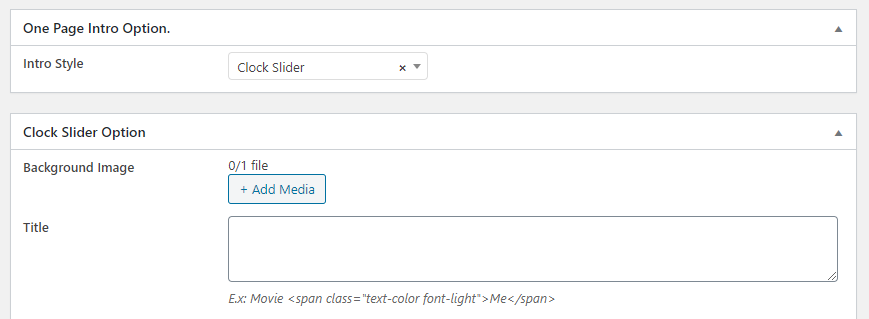
- You can use Metx box intro option only for Youtube/MP4 video or other style. VC element also available for intro section.
Menu Setup
- Create a New Menu from the Appearance > Menus with any name. Now add all pages in menu.
- Select Menu Location One Page Menu
