Theme Documentation
By webRedox Wordpress Team - www.webredox.net
By webRedox Wordpress Team - www.webredox.net
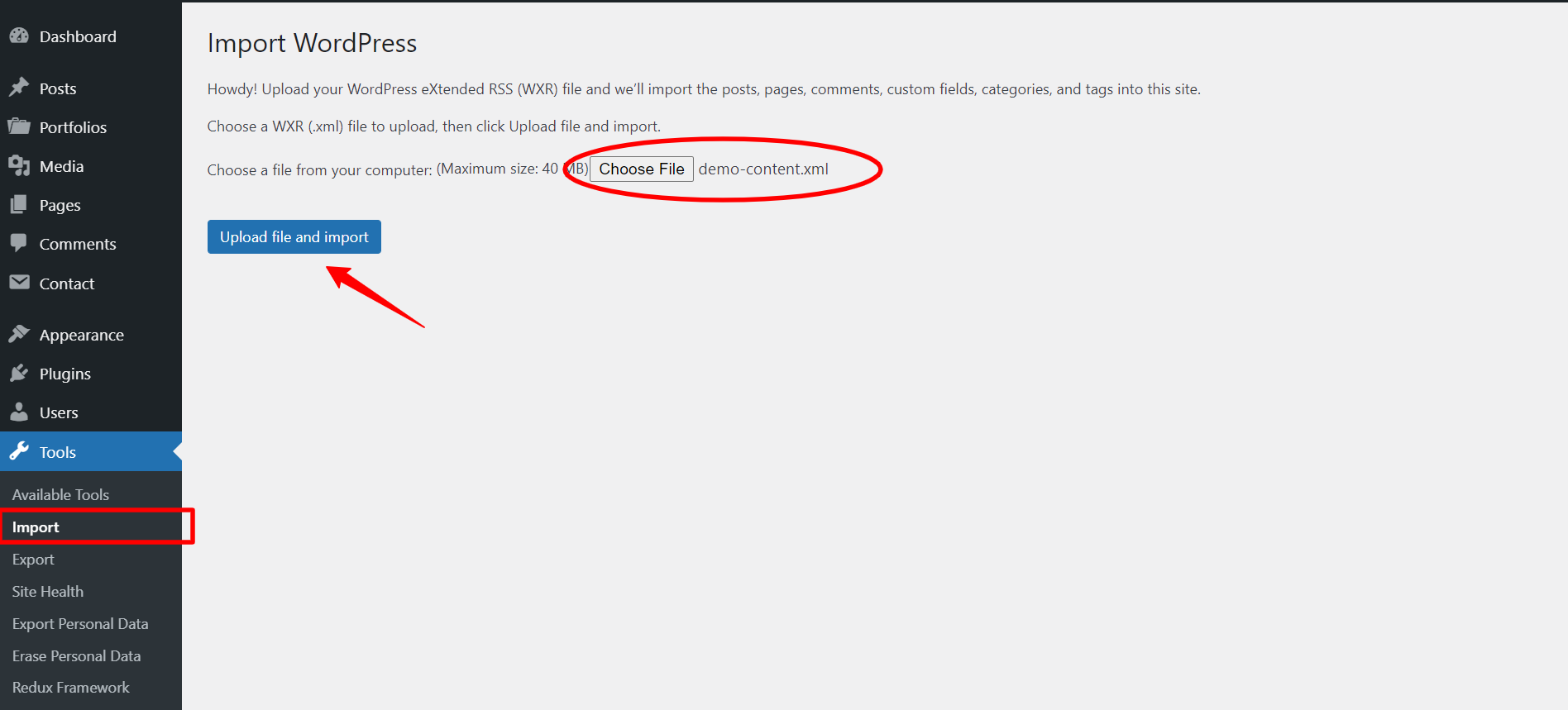
Some dummy data has been included to help you get started, its not identical to the demo site but hopefully it'll give you a geMousiquaal idea of how things work. If you run into any problems or have any question or need any instruction/help to work with this theme feel free to ask our support team and we'll be happy to help! Please send us mail at our support via envato.