- March 10, 2023
- 92 views
- 0 Comments
Creating & Setting a Menu
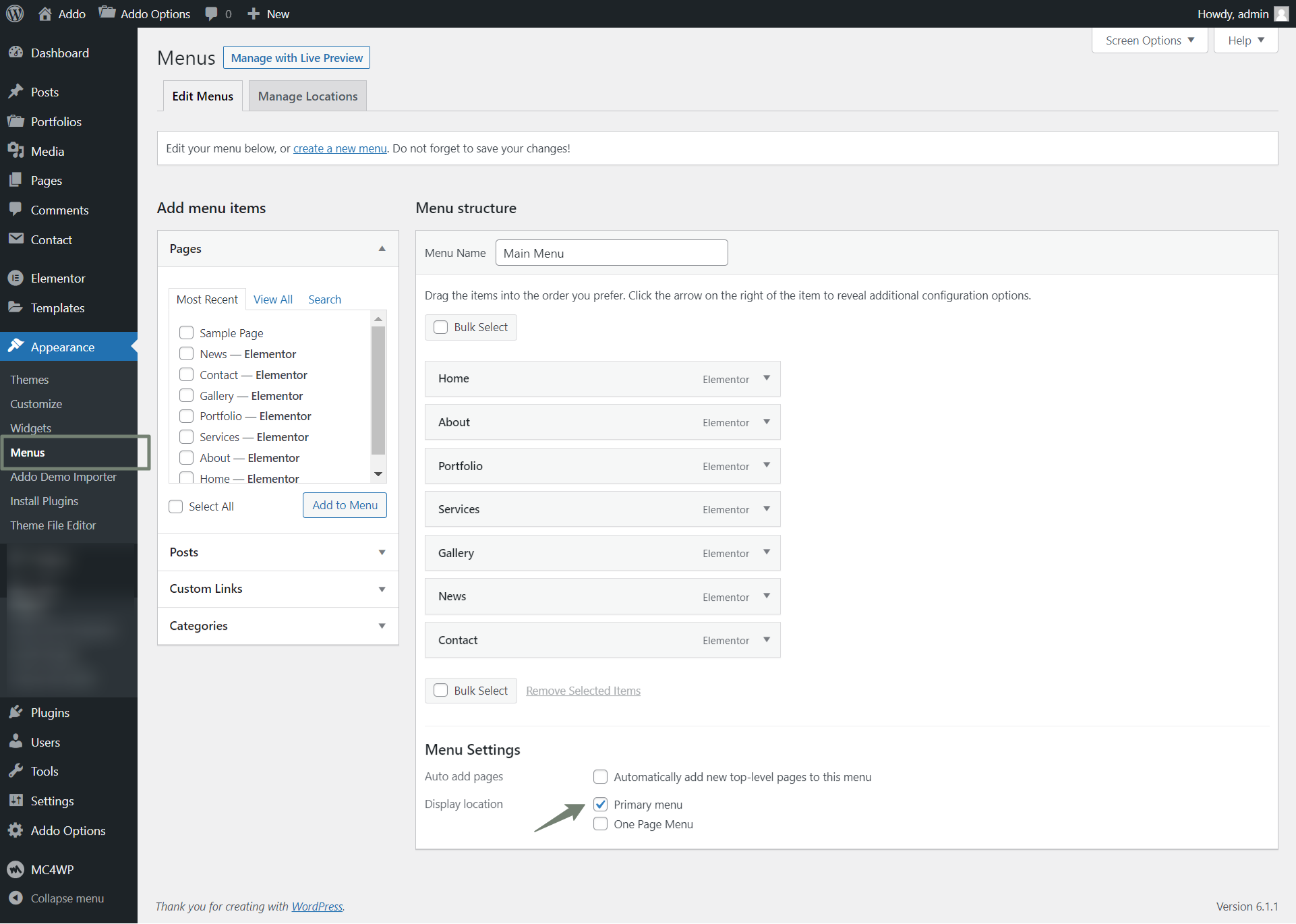
Primary Menu is for the Multi Page Site which will be displayed as main menu. To set the menu do the following
- Go to Appearance → Menus
- Click on Create a new menu
- Add some menu items to the menu.
- Click on the Theme Locations tab select which menu you want to display in each area.
- There is a more in depth guide for creating menus on the official WordPress website here