• November 17, 2022
  • 0 Comments

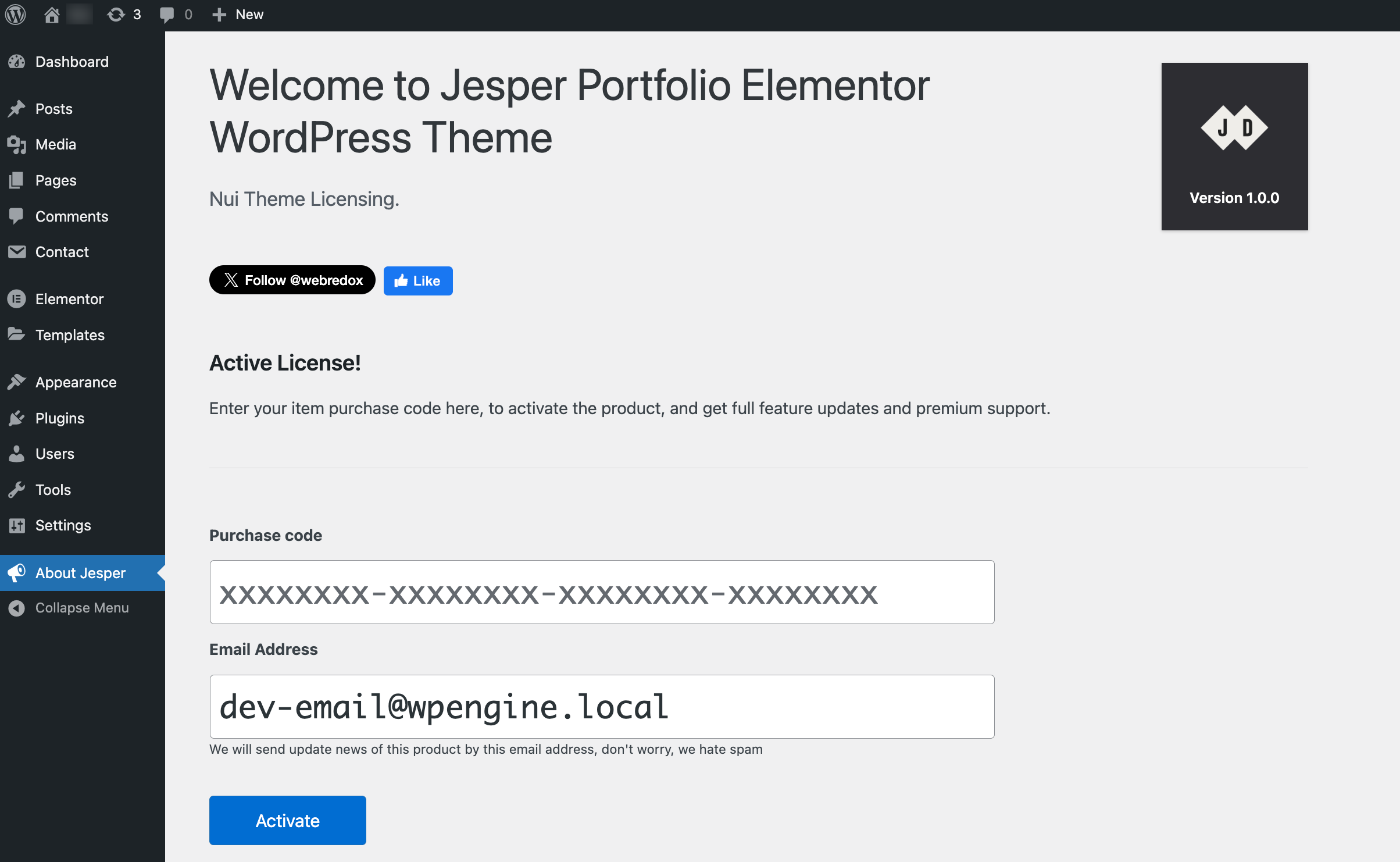
License Activation

After install and active the theme go to the About Hektor option and add your purchase code.

Info: First activate your purchase code on your main domain, then activate your purchase code to the test domains.

lideactive
Find your purchase code here

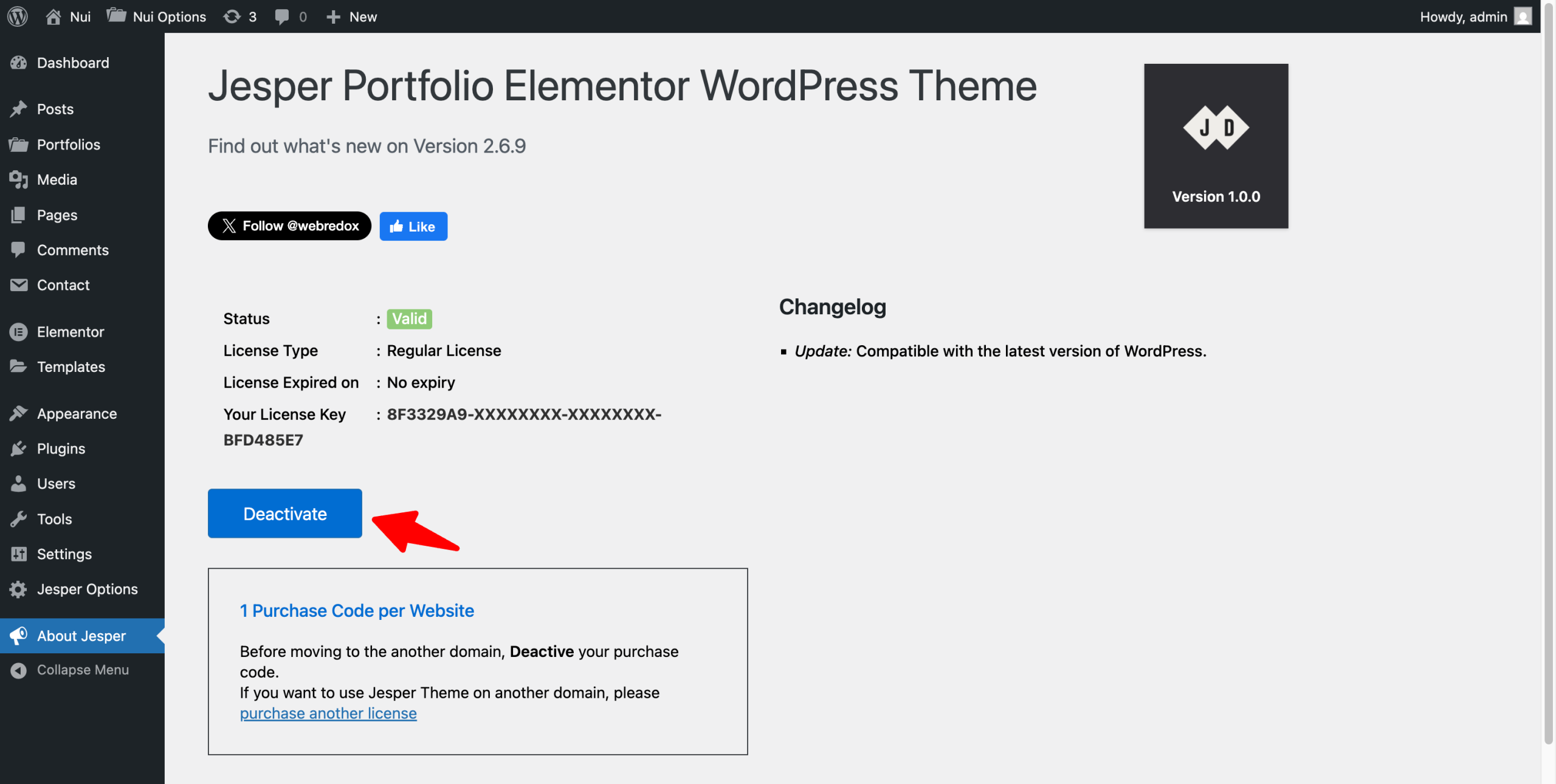
License Deactivation

Before moving to the other domain, go to the About Hektor option and deactivate your purchase code. (Not required for Test/ Staging Domain.)

liactive

Test/ Staging Domain List

Listed domains will be license without any restriction. You just need a valid license key.

  1. localhost
  2. *.dev
  3. *.test
  4. *.local
  5. local.*
  6. *.staging
  7. staging.*
  8. *.example
  9. *.invalid
  10. *.dev.css (DesktopServer)
  11. *.myftpupload.com (GoDaddy)
  12. *.cloudwaysapps.com (Cloudways)
  13. *.wpsandbox.pro (WPSandbox)
  14. *.ngrok.io (tunneling)

Still stuck? How can we help?