Share
Menu
Home
Getting Started
Theme Installation
Registering the theme
Plugin Installation
One Click Demo Data
Bauen Options
General Settings
Header Options
Styling
Typography
Footer Settings
Blog Setup
Create Post Item
Blog/ Post Page Setup
Page Setup
Multi Page/Separate Page Setup
One Page/Scrolling Page Setup(Elementor)
One Page/Scrolling Page Setup(WPBakery)
Portfolio Setup
Enable Elementor page builder for Portfolio
Enable WPBakery Page Builder For Portfolio
Create Portfolio Item
Portfolio Page Setup
Update Theme
Auto Update
Via WordPress Dashboard
Via FTP/C-Panel
Follow
Create Post Item
November 17, 2022
355 views
0 Comments
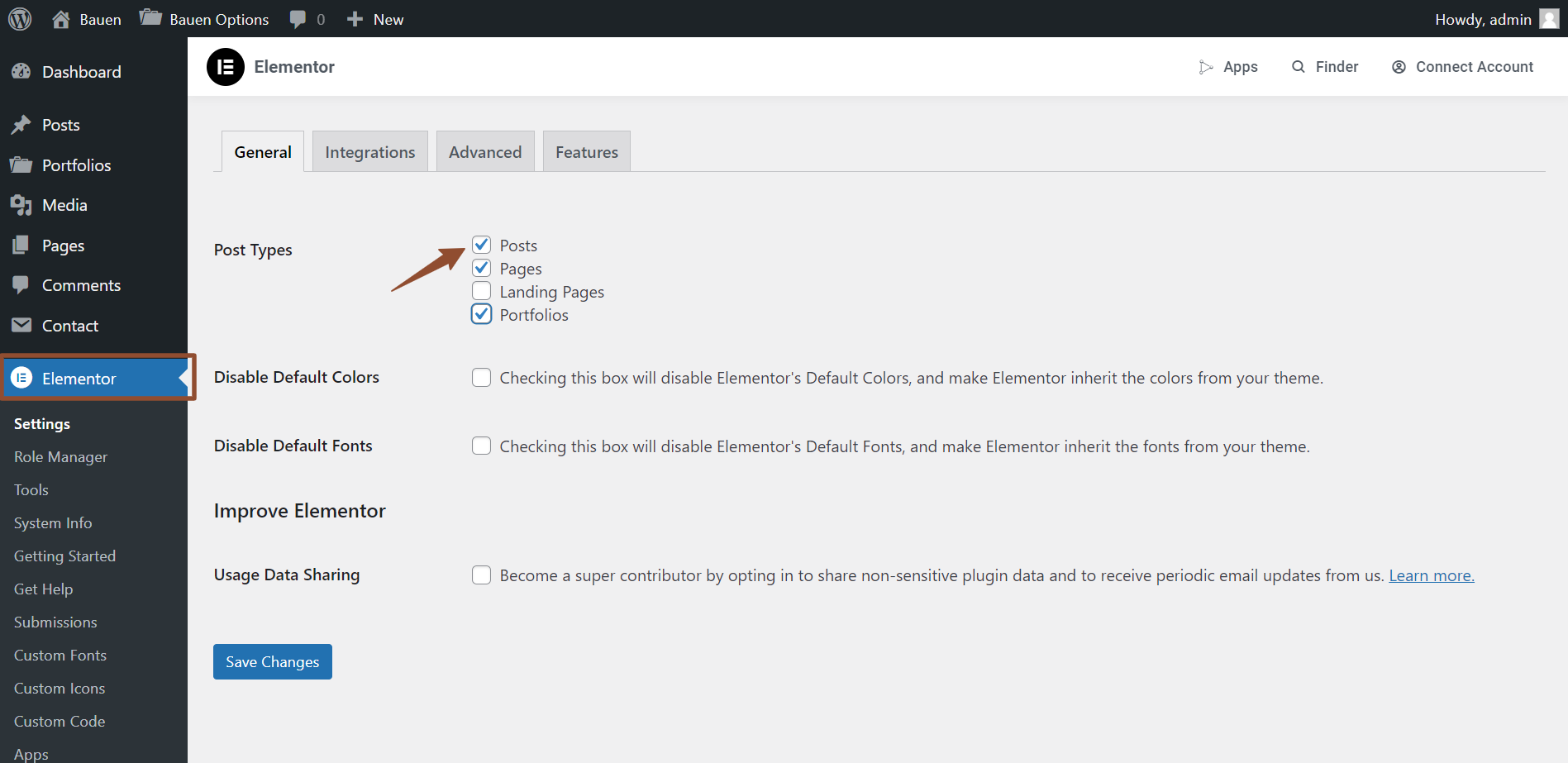
Enable Elementor Page Builder for Post
Go to → Elementor → Settings → select Post types.
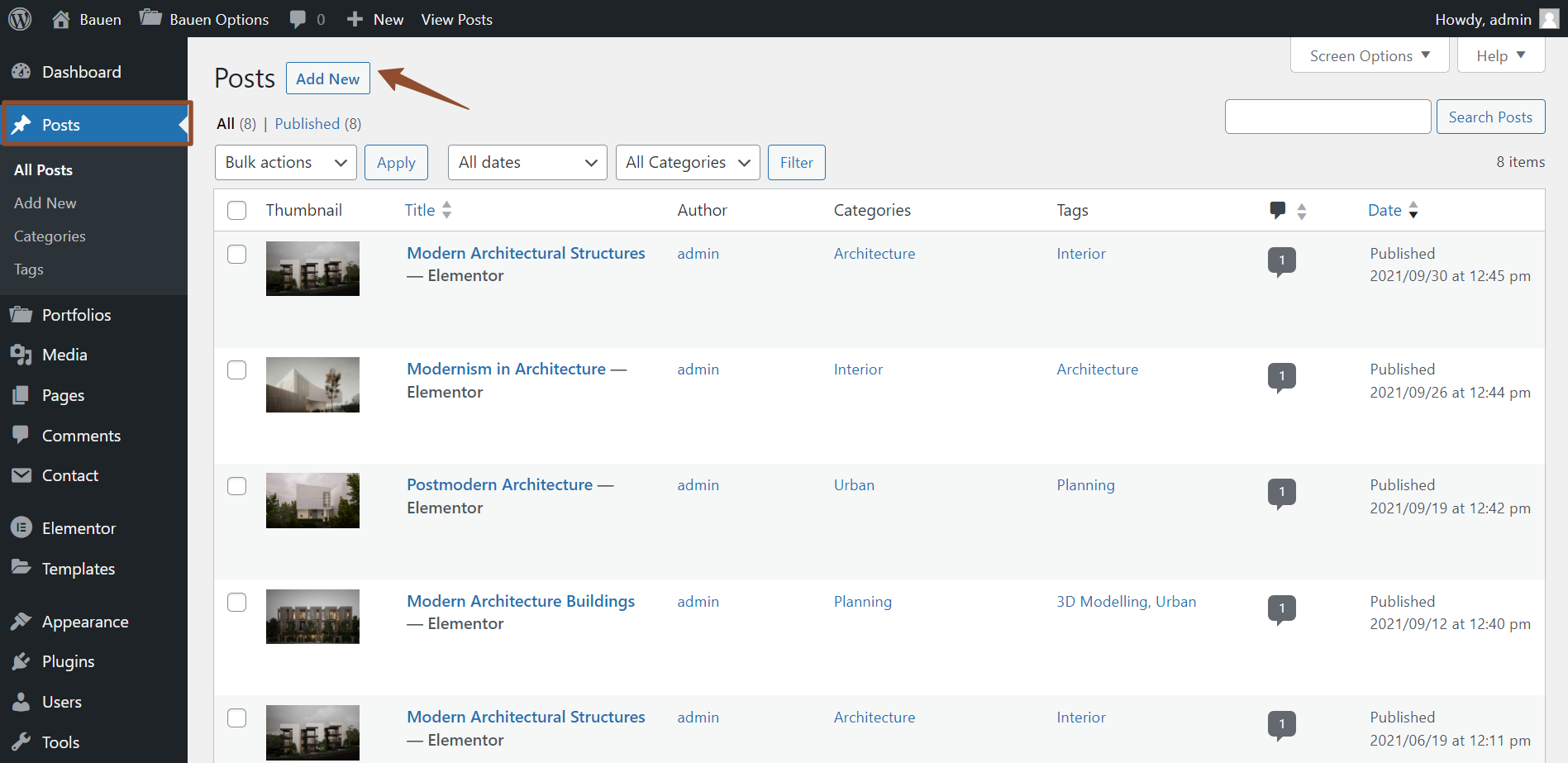
Create a Post
Go to → Posts → Add New.
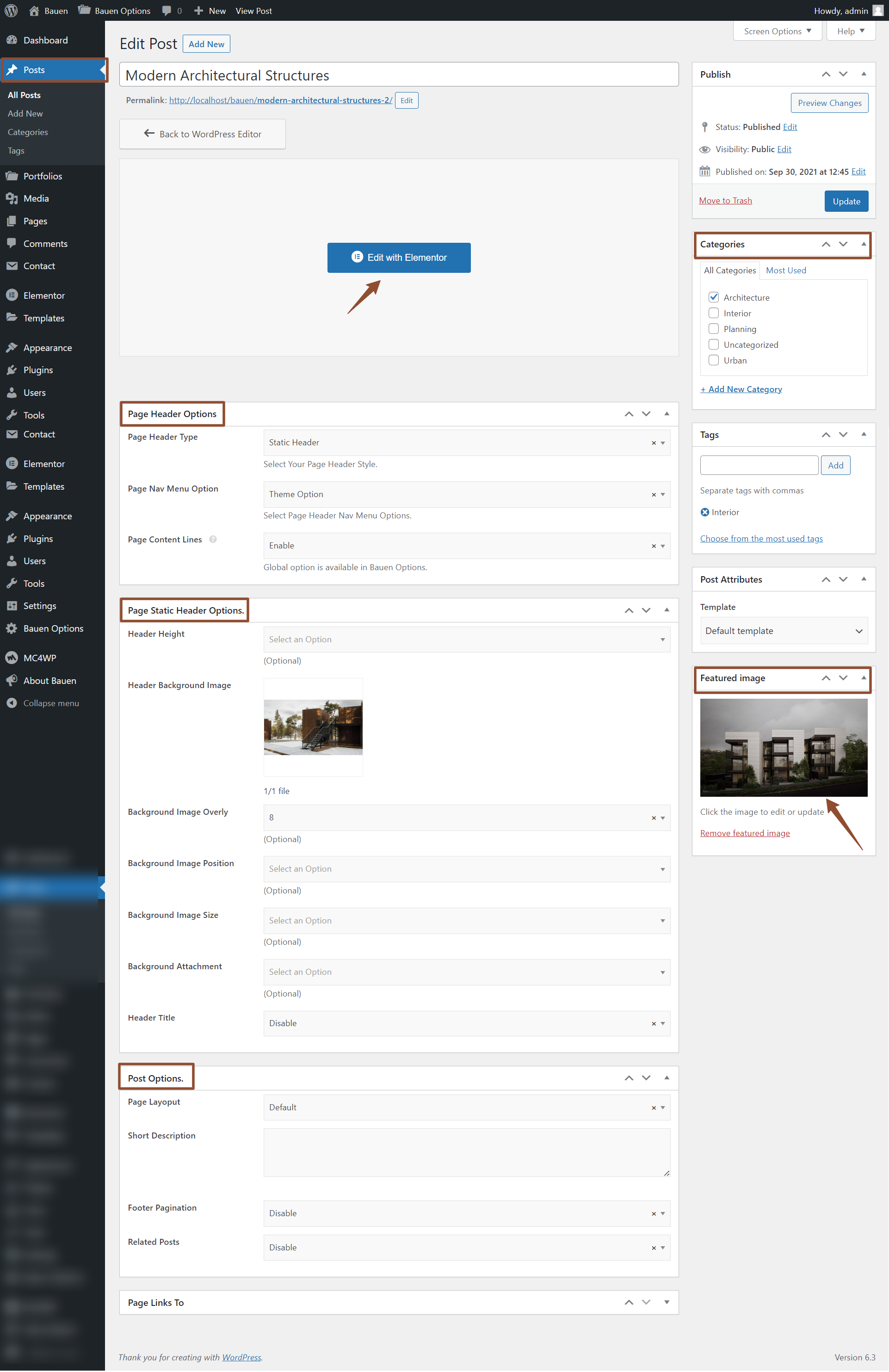
2. Posts Settings
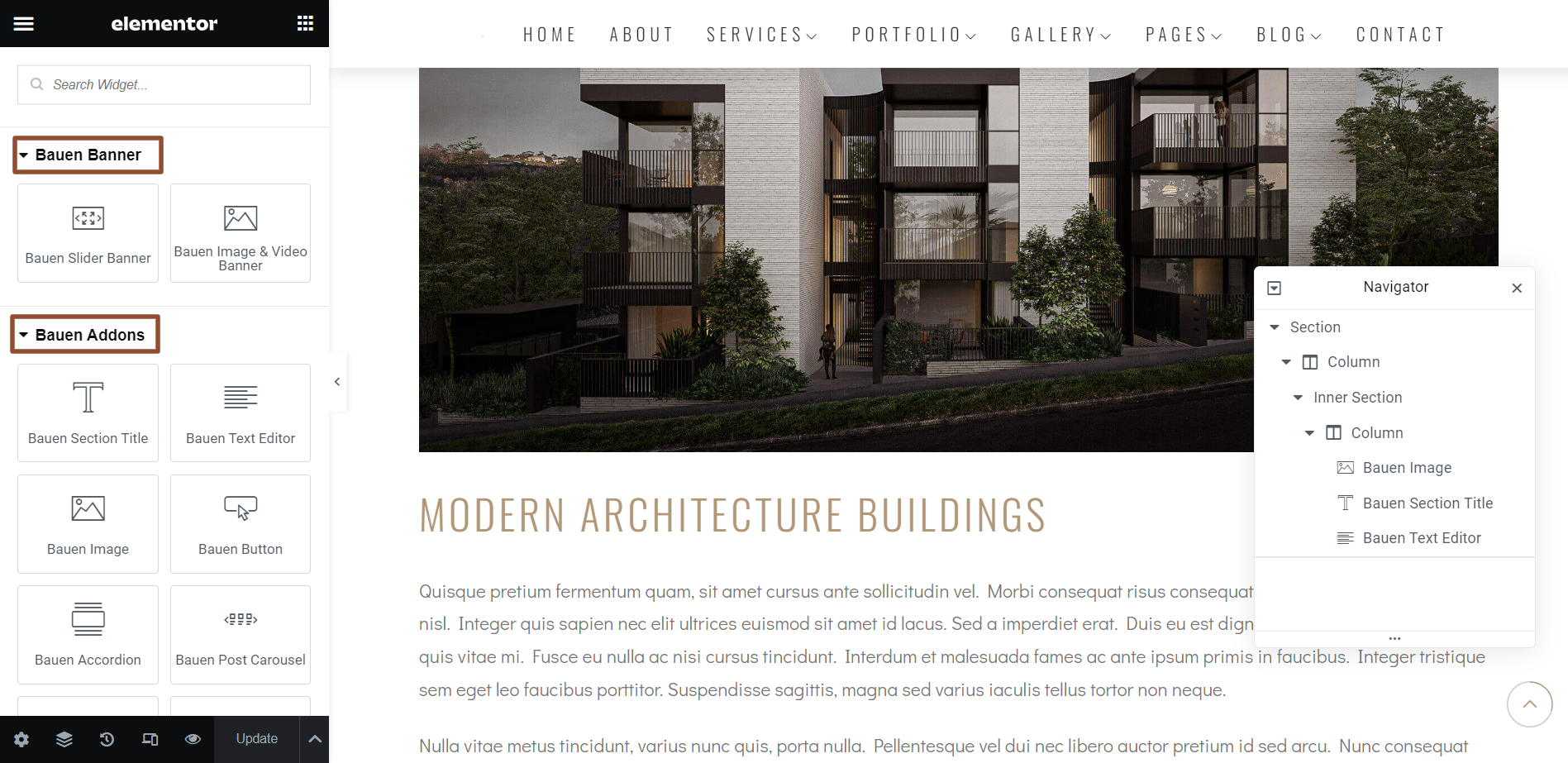
3. Add your content by Elementor Page Builder.
Still stuck? How can we help?
Ask For Support